The OLT (Optical Line Terminal), as a core device in Passive Optical Networks (PON), plays a crucial role in connecting the upper-layer core network to lower-layer Optical Network Units (ONUs/ONTs). Its web management interface serves as the primary portal for operation and maintenance (O&M) personnel to configure, monitor, and maintain the OLT. By replacing complex Command-Line Interfaces (CLI) with visual operations, it lowers technical barriers and improves O&M efficiency. Below is a detailed explanation of the OLT web management interface from four dimensions: core interface modules, operational logic, typical functions, and usage considerations.
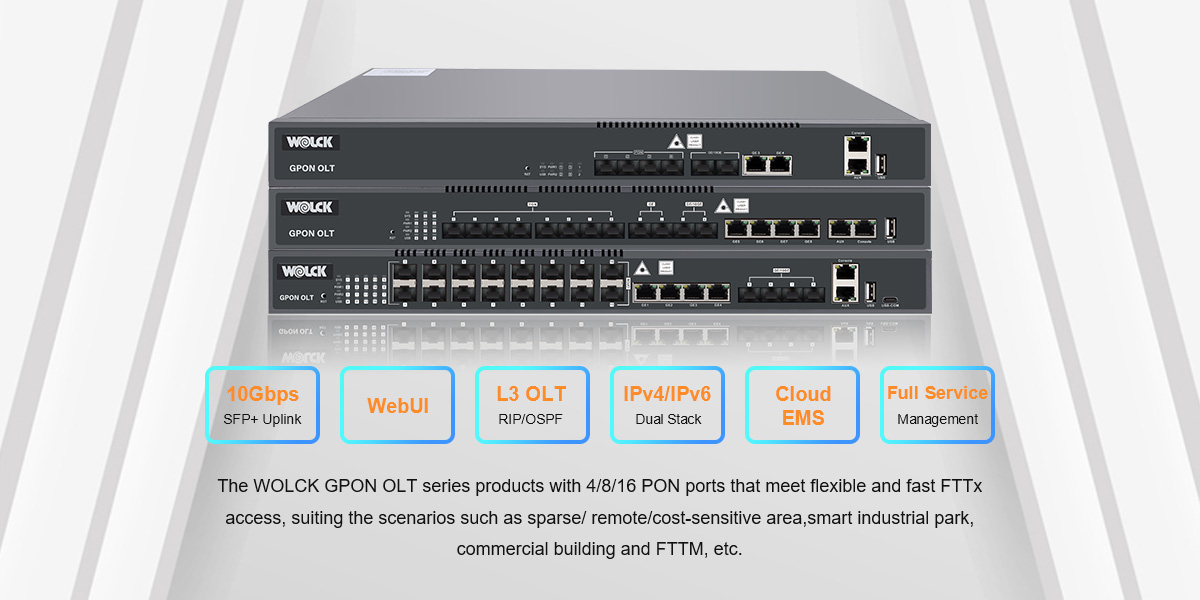
The design of an OLT web management interface typically follows the O&M workflow of "login verification → status overview → detailed configuration → monitoring and maintenance." While interfaces vary slightly among major manufacturers (e.g., Huawei, ZTE, FiberHome), their core modules are highly consistent, generally including five key sections:
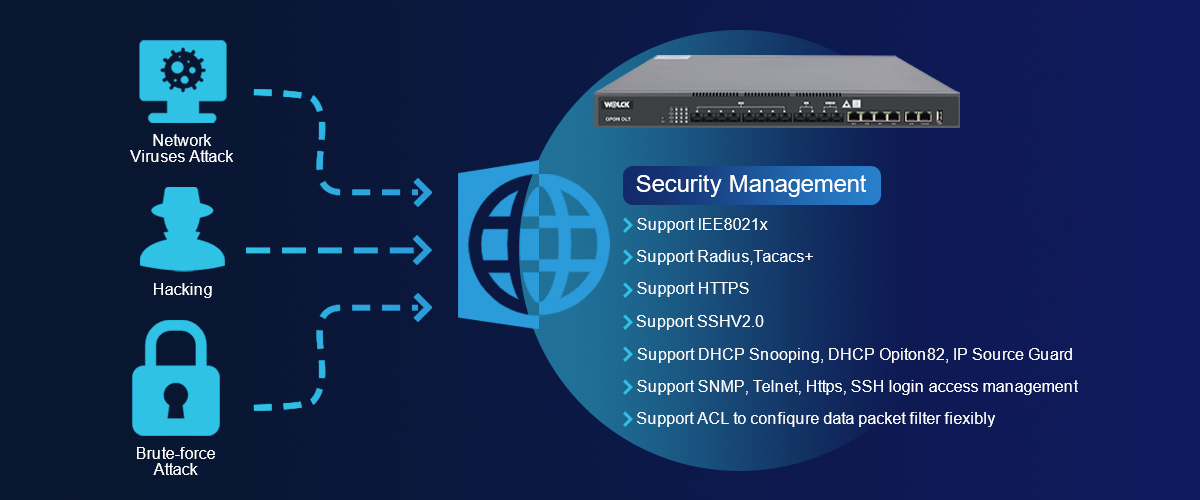
This is the first security barrier to access the management interface, with the core function of safeguarding device security. The interface usually contains input fields for "Username" and "Password"; some devices further add a "Verification Code" or "Dynamic Token" (e.g., Huawei MA5800 series) to prevent brute-force attacks.
After login, hierarchical permission control is enforced: different roles (e.g., "Administrator," "O&M Staff," "Viewer") have distinct operation privileges. Administrators can modify all configurations, while Viewers can only browse statuses without making changes—this avoids the risk of misoperations. For example, in the ZTE C300 OLT, the "Guest" role can only view basic information such as device temperature and ONU online count, but cannot configure services.
The first screen after login is usually a "Dashboard," which presents the OLT’s core operating status through visual charts, allowing O&M personnel to quickly assess the device’s health. Key displayed content includes:
-
Basic Device Information: Device model, software version, uptime, and IP address;
-
Hardware Status: Online status of main control boards and service boards (green for "Normal"/red for "Faulty"), port utilization, fan speed, and device temperature (marked in red for early warning if exceeding thresholds);
-
Network Status: Traffic transmission/reception rates and bit error rates of uplink ports (e.g., 10GE/100GE ports);
-
ONU Status: Number of registered ONUs, online rate, and a list of offline ONUs (with offline time marked).
For instance, the overview page of the FiberHome AN5516-04 OLT uses line charts to show 24-hour uplink port traffic changes and pie charts to display the ratio of online/offline ONUs, providing an intuitive view of network load.
This module is critical for pre-deployment OLT configuration, primarily used to set the device’s own parameters and basic network parameters. Its core functions include:
-
Device Parameter Configuration: Modifying the device name, setting the system time (synchronized with an NTP server to ensure accurate log timestamps), and configuring Console port/SSH parameters (as backup management methods);
-
Network Parameter Configuration: Setting the OLT’s management IP (usually a VLANif interface IP for web/CLI management), static routes (pointing to the core network gateway), and DNS servers (for domain name resolution, e.g., upgrade server addresses);
-
VLAN Configuration: Creating service VLANs (e.g., voice VLAN, broadband VLAN) and configuring VLAN division methods (port-based/802.1Q tag-based)—a core for service isolation in PON networks. For example, assigning broadband services to VLAN 100 and IPTV services to VLAN 200 prevents interference between different services.
This is the core module for OLT management, directly determining whether ONUs can access the network and provide services. It mainly includes three functions:
-
PON Port Management: Enabling/disabling PON ports (e.g., GPON port 0/1/0), configuring the maximum number of ONUs allowed to register on a port (e.g., limiting a single port to 64 registered ONUs), and setting optical power thresholds (issuing warnings if received optical power is below -28dBm to prevent service interruptions caused by excessive optical attenuation);
-
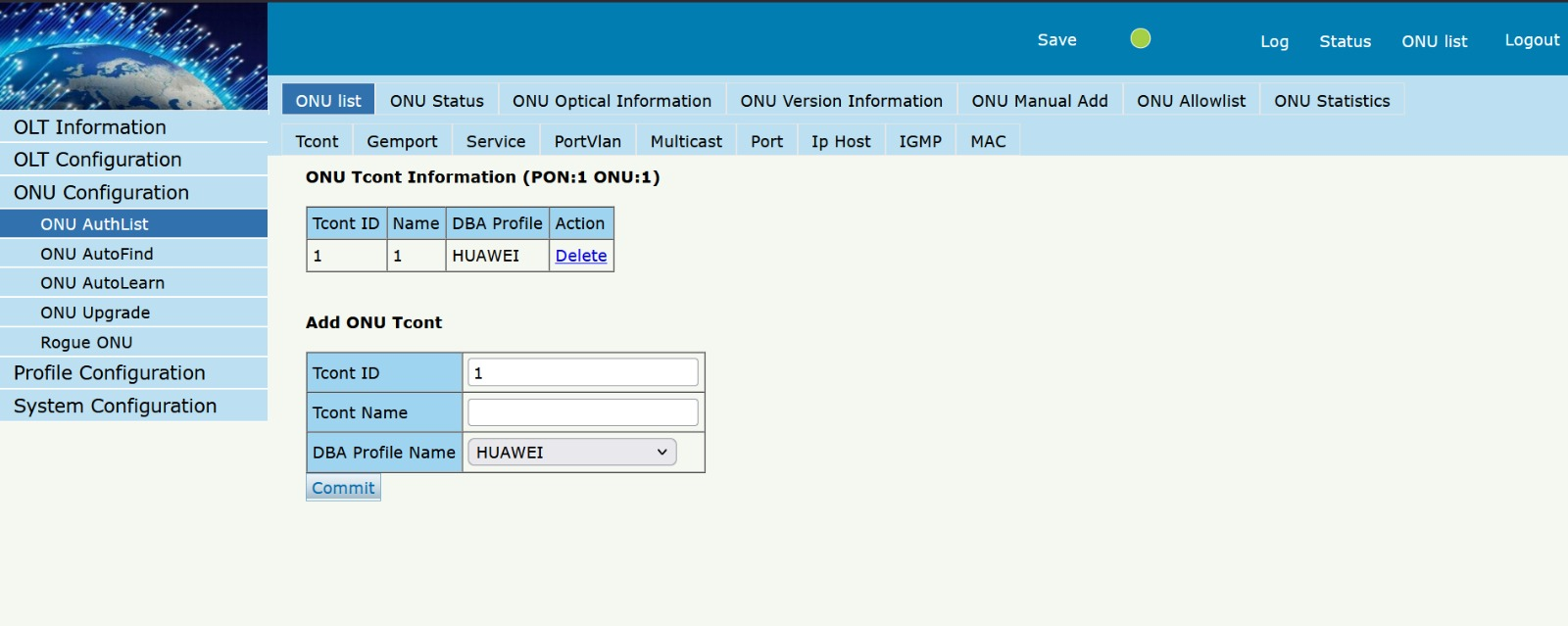
ONU Registration and Management: Supporting two registration methods—"Auto Discovery" and "Manual Addition." Auto Discovery scans for unregistered ONUs under a PON port, and O&M personnel confirm to complete registration. Manual addition requires entering the ONU’s unique Serial Number (SN), suitable for scenarios requiring precise control over ONU access. After registration, an ONU’s "service template" (e.g., bandwidth limit: 100Mbps upstream/1Gbps downstream) can be configured;
-
Service Deployment: Binding VLANs and bandwidth templates from basic configurations to the Ethernet ports of ONUs (e.g., GE0 port of an ONU) to ensure ONUs can access the upper-layer network via the OLT. For example, binding the GE0 port of an ONU to VLAN 100 and a "100Mbps upstream/1Gbps downstream" template allows users to access broadband services.
This module is used for real-time device status monitoring, fault troubleshooting, and daily maintenance. Its core functions include:
-
Real-Time Monitoring: Viewing the optical power (receive/transmit) of PON ports, traffic statistics (upstream/downstream) of ONUs, and device CPU/memory utilization (excessively high utilization causes device lag and requires timely troubleshooting);
-
Log Management: Recording device events (e.g., ONU online/offline, port faults, configuration changes) and supporting filtering by time/event type. For example, when troubleshooting "frequent ONU offline issues," logs of the specific ONU can be checked to determine if the problem stems from optical attenuation or device failure;
-
Firmware Upgrade: Uploading new firmware versions (e.g., Huawei V800R022C00) and using "batch upgrades" to avoid service interruptions caused by full-scale upgrades;
-
Configuration Backup and Restoration: Regularly backing up current configurations (to prevent configuration loss) and restoring historical configurations in case of device faults, reducing fault recovery time.
Operations on the OLT web management interface must follow a fixed logic to avoid configuration failures or service interruptions. The typical workflow is as follows:
-
Device Initialization: First, set the management IP, system time, and VLANs in the "Basic Configuration" module to ensure the device can access the management network normally;
-
PON Port Configuration: In the "PON Service Configuration" module, enable PON ports and set optical power thresholds and maximum ONU counts;
-
ONU Registration: Complete ONU registration via Auto Discovery or Manual Addition and bind service templates;
-
Service Deployment: Bind VLANs and bandwidth templates to ONU ports and test service connectivity;
-
Monitoring and Maintenance: Confirm normal device status in the "Monitoring Module," and regularly back up configurations and check logs.
-
Permission Control: Strictly distinguish role permissions to prevent non-administrators from modifying critical configurations (e.g., accidental VLAN deletion will interrupt all services);
-
Configuration Backup: Immediately back up configurations after each modification (e.g., adding new ONUs, adjusting bandwidth) to prevent configuration loss after device restart;
-
Optical Power Monitoring: Regularly check the received optical power of PON ports. If it falls below the device threshold (typically -28 to -8dBm), troubleshoot the fiber link (e.g., checking for fiber breaks or loose connectors);
-
Cautious Upgrades: Before firmware upgrades, confirm version compatibility (e.g., older OLT models may not support new firmware versions). Never power off the device during upgrades, as this may render it inoperable ("bricked").
The OLT web management interface serves as a "
 Redefines Compact FTTH Deployment
 Data Center Solution: Wolck at SVIAZ 2026
 Compact Fiber Access OLT Launch
 Plug-and-Play Modular Expandable OLT

